Password reset
Simple password recovery guide
If you are having trouble accessing your account, here is how to reset your password quickly and securely.
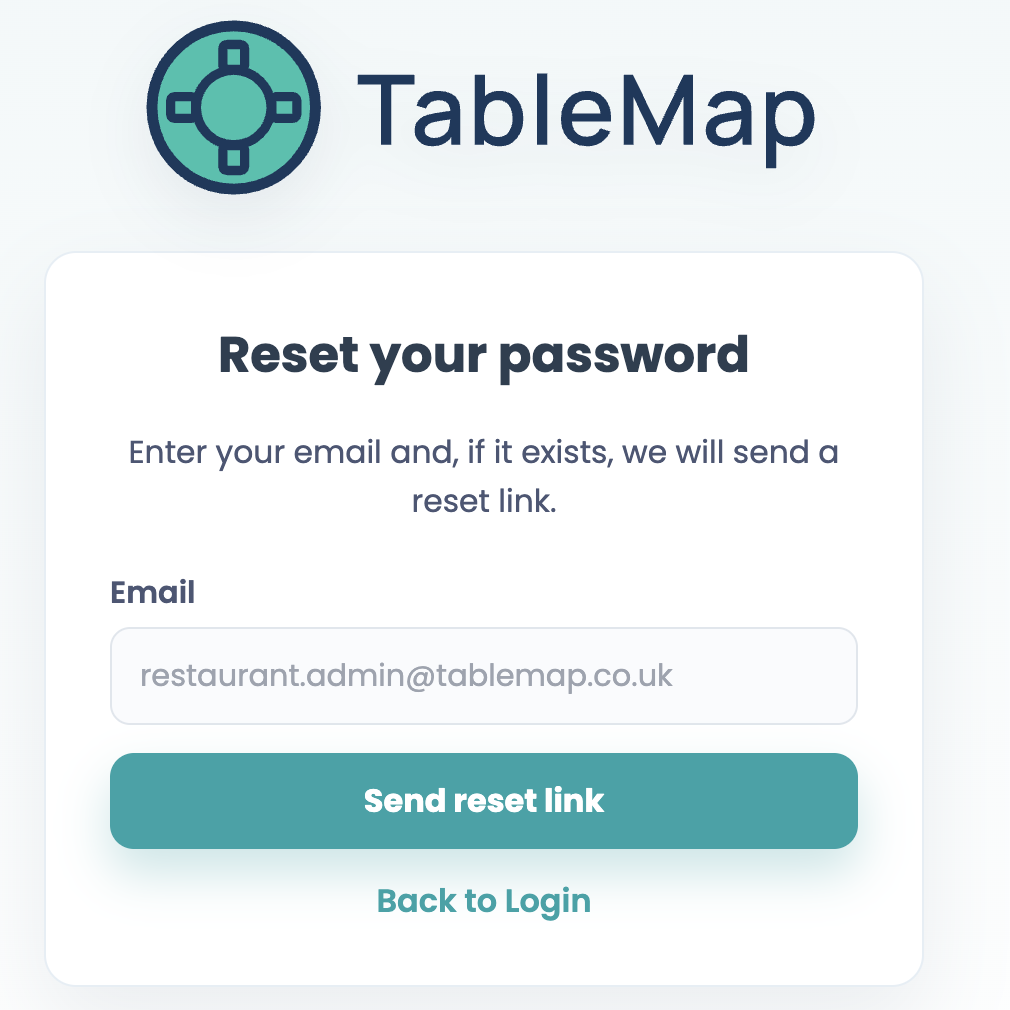
How to reset your password
- Go to app.tablemap.co.uk/login.
- Click “Forgot your password?”.
- Enter your registered email address.
- Check your inbox for a password reset link.
- Click the link and set your new password.
I didn’t receive the reset email
- Check your spam or junk folder.
- Please wait 2–3 minutes for the email to arrive.
- Ensure the email address entered matches the one on your TableMap account.
- Try the process again; if you still haven’t received anything, please contact our support team.
Resetting your password on the mobile app
The process is exactly the same via the mobile app. Simply navigate to the login screen and follow the "Forgot password" prompts to update your credentials.
🔒 Security Note: For security, reset links expire after 1 hour. If yours has expired, simply request a new one by following the steps above.
Was this article helpful?