Creating your account
Learn how to join TableMap in minutes. This guide covers the initial sign-up process, email verification, and how to activate your 14-day free trial.
This article covers the initial steps to bring your restaurant onto the TableMap platform. We have designed the registration process to be as swift as possible so you can begin managing your bookings without delay.
What you’ll need before you start
Before you begin the sign-up process, please ensure you have the following ready:
- A valid business email address: This will be used for your primary login, system notifications, and account verification.
- Restaurant details: Your trading name and contact information will be required during the subscription and setup phase.
Step-by-step: Creating your account
Follow these steps to set up your TableMap profile:
Visit our website: Navigate to tablemap.co.uk using any modern web browser on your desktop or tablet.
Click Sign Up: Locate the 'Get Started' button in the top right-hand corner of the homepage.
Enter your email address: Simply enter your active business email address into the registration form.
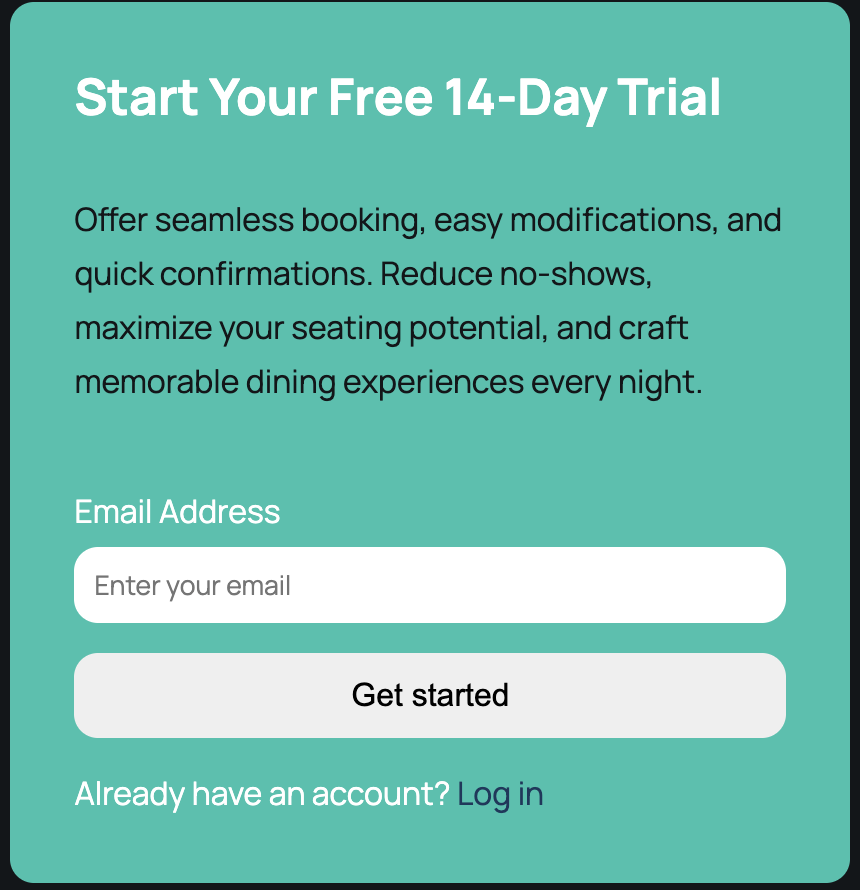
Verify your email: Check your inbox for a verification link and click it to confirm your address.
Set your password: Create a secure password to complete the first stage of your account setup.
What happens next
Once your account is created, the first step is to activate your subscription or start your trial. After completing the subscription steps, the system will automatically guide you into the onboarding wizard. Here, you can design your floor plan, set your opening hours, and configure table capacities. Your 14-day free trial begins the moment you activate your subscription, giving you full access to all features with no upfront cost.
💡 Already have an account? Go to → Sign in.
Was this article helpful?